

A list of steps to take to begin a game of Pokémon Pokopia.
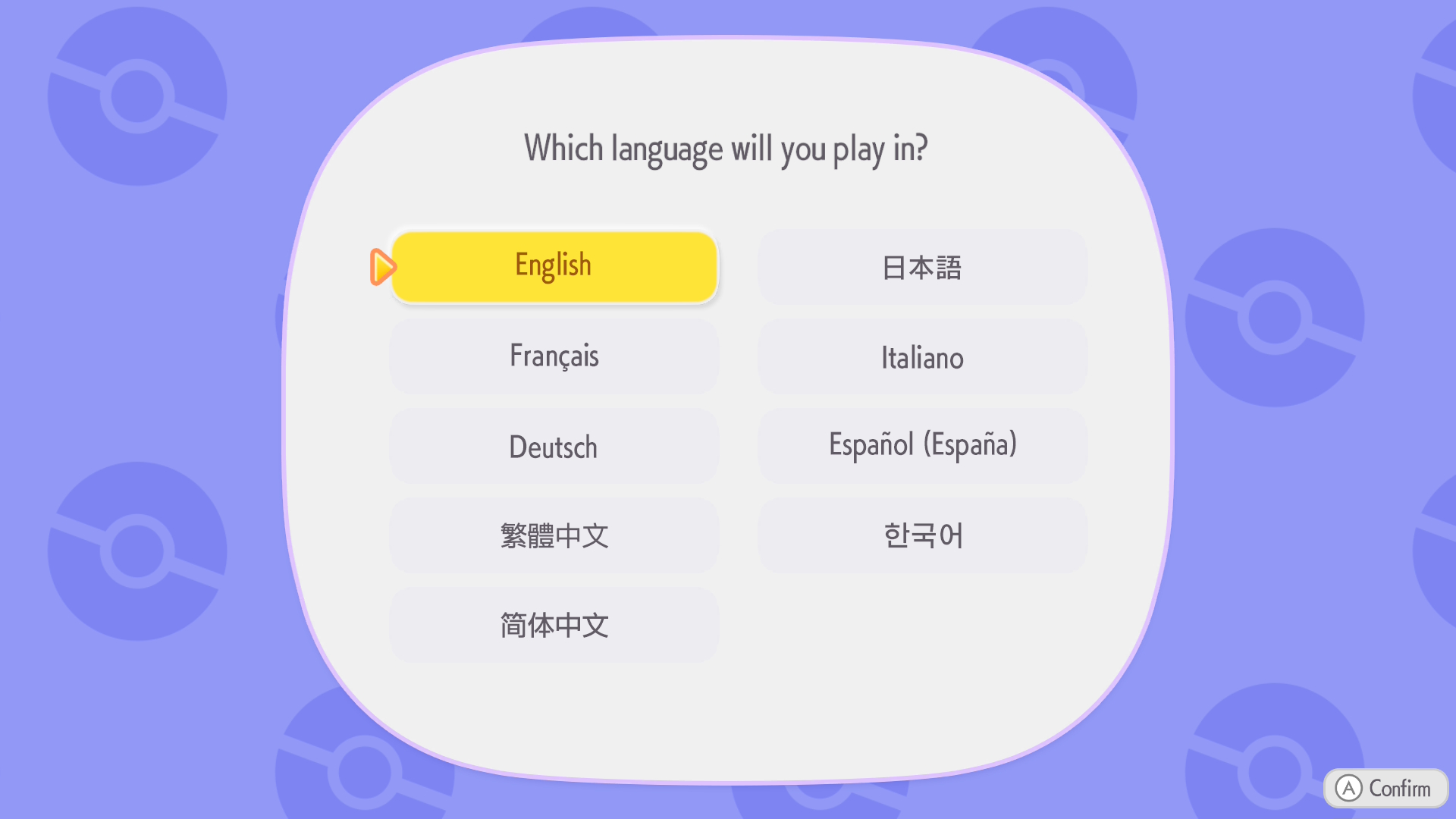
Game Beginning Steps
To begin a game of Pokopia:
- Choose a Language - You can change the language later.
- Press a Button - When Ditto is on screen, press a button to wake up.
- Choose your Appearance - You can choose different things about your appearance. You can change your appearance later. When you finish customizing your appearance, press + to continue.
Meet Tangrowth
Walk to the Tangrowth and press A to meet Professor Tangrowth. Then check on the glowing object in the wheelbarrow to continue.
Choose Your Name
Next, you will be asked to choose your name.
Follow Tangrowth
You can now press + to open the Pokédex that you found. From here, you can press - to save and quit the game, and you can also change the game settings, such as message speed.
Follow Tangrowth, then when they say "This way!" talk to them.
Talk to Squirtle
Go over to the Squirtle that you saw, then talk to them. You will learn Water Gun. Press ZR to use Water Gun on the Squirtle.
Water the Grass and Plants
Use Water Gun to water the dry grass. There is also some tall grass and dry flowers that you should use Water Gun on. This will cause you to restore some Pokémon habitats. Whenever there is an empty habitat, there may be a chance that a Pokémon will appear in that habitat.
You can also water dead trees to bring them back to life. Be sure to stand next to trees and press A to Headbutt the tree. If the tree has berries, the berries will fall off and you can use them to restore PP (the gauge above Water Gun). If the tree doesn't have berries, Sturdy Sticks will fall out. You can pick these up and use them for different things later.
Check on Shaking Grass or Flowers
After you water the tall grass and dry flowers, the grass or flowers may start shaking. Check on the shaking grass or flowers to meet a new Pokémon.
Learn Leafage
When Bulbasaur has a speech bubble above their head, talk to them to start their request. Water 10 patches of dry grass, then talk to Bulbasaur to learn Leafage. You can use Leafage on grass to make tall grass grow. You can use Leafage on solid ground to make moss grow. And you can use Leafage when standing in water to make duckweed grow.
After you learn Leafage, you can switch between Water Gun and Leafage by pressing the directional buttons. Or you can hold the L button to display the moves that you have learned, and choose one with the left control stick.
Help Make Squirtle a Home
Talk to Squirtle after you learn Leafage. Then create a Tall Grass habitat by using Leafage to make four things of tall grass near each other. Squirtle will go to the tall grass habitat that you created and have a speech bubble above their head. Talk to Squirtle and agree to have Squirtle move into this tall grass habitat.
Give a Leppa Berry to Bulbasaur or Squirtle
Water dead trees to make them grow into Leppa Trees, then press A near the tree to Headbutt it. Pick up a Leppa Berry and talk to Bulbasaur or Squirtle to give the berry to them. Then talk to Tangrowth to get a Log Chair. Put it down nearby, then go to the chair and press A to sit on it.
Follow Bulbasaur
Follow Bulbasaur, then talk to them when they have a speech bubble above their head. Check on the workbench to open it. You'll receive some Simple Wooden DIY recipes: Log Table, Log Chair, and Campfire. If you don't have the materials to make a Campfire, go around and pick up a Sturdy Stick and a Stone from the area. Then go back to the workbench and create a Campfire.
Talk to Professor Tangrowth
Talk to Professor Tangrowth, then press X to open your bag, choose the Campfire, and put it down in front of the Professor.
Make a New Tall Grass Habitat
Use Leafage to make another Tall Grass habitat. Then wait a short time, and the grass will start to shake. Check on it to meet Charmander. Talk to Charmander and ask them to follow you (or press up on the directional pad while facing Charmander), then walk to the campfire and face it.
The Next Day
The next day, follow Professor Tangrowth to the old building and talk to them to accept their request.